Master Calculator - CAS calcul1.0.24158
Publisher Description
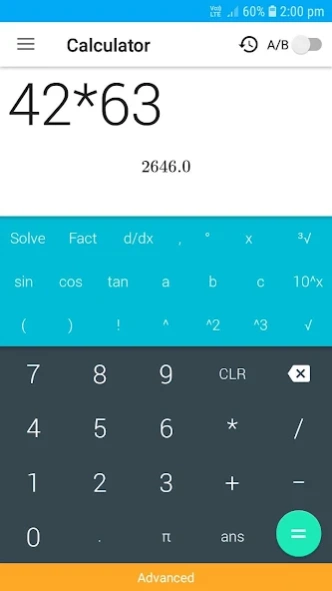
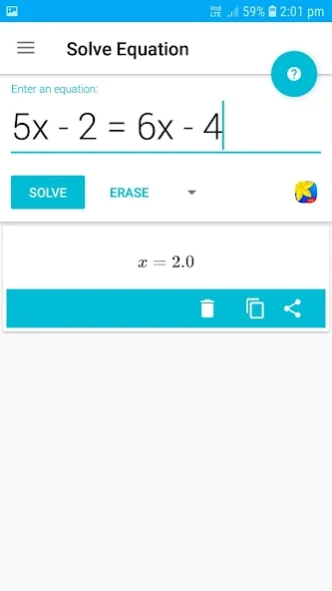
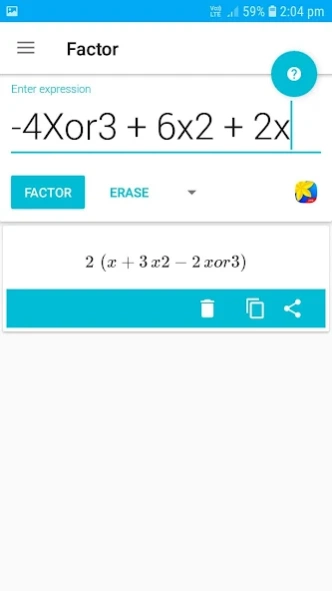
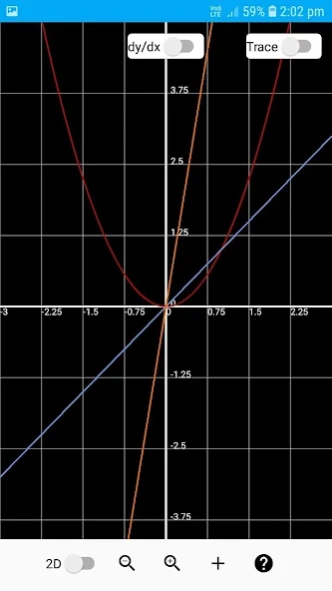
All-in-One multifunctional calculator app, equation solver, math solver, matrix.
Master Calculator is All-in-One calculator app with some advanced mathematical functions like equation solver, Simplify expressions, 2D 3D graphs, unit converter and more.
Master Calc
functions that not only meet the requirements of basic calculation but also deal with more advanced calculation scenarios.
It includes history, real time graphing, base conversion, and more.
Features:
ALGEBRA
1. Computer science
2. Solving the equation:
3. Solve system equations
4. Graphing
5. Cartesian geometry sand(Viet Nam Education)
6. Unit Conversions
8. Simplify expressions
9. Polynomial factorization.
10. Binomial expansion Newton
11. Matrix: evalute matrix step by step
ANALYTICS
1. Derivative
2. Antiderivative
3. Definite integrals
4. Find the limit of the sequence, function
TRIGONOMETRIC
1, Trigonometric expand: sin(2x) -> 2sin(x)cos(x)
2. Trigonometric reduce: 2sin(x)cos(x) -> sin(2x)
3. Trigonometric to exponent: sinh(x) -> (e^x-e^(-x))/2
DETERMINATION OF STATISTICS
1. Combination
2. Permutation
SOME OTHER FEATURES
1. Prime factors
2. Modulo
3. Catalan number
4. Fibonacci number
About Master Calculator - CAS calcul
The company that develops Master Calculator - CAS calcul is TopHills App. The latest version released by its developer is 1.0.24158.
To install Master Calculator - CAS calcul on your Android device, just click the green Continue To App button above to start the installation process. The app is listed on our website since 2019-08-09 and was downloaded 4 times. We have already checked if the download link is safe, however for your own protection we recommend that you scan the downloaded app with your antivirus. Your antivirus may detect the Master Calculator - CAS calcul as malware as malware if the download link to com.mathsolver.android.calculatorapp.calc is broken.
How to install Master Calculator - CAS calcul on your Android device:
- Click on the Continue To App button on our website. This will redirect you to Google Play.
- Once the Master Calculator - CAS calcul is shown in the Google Play listing of your Android device, you can start its download and installation. Tap on the Install button located below the search bar and to the right of the app icon.
- A pop-up window with the permissions required by Master Calculator - CAS calcul will be shown. Click on Accept to continue the process.
- Master Calculator - CAS calcul will be downloaded onto your device, displaying a progress. Once the download completes, the installation will start and you'll get a notification after the installation is finished.
Program Details
System requirements
Download information
Pricing
Version History
version 1.0.24158
posted on 2019-08-09
All-in-One, multifunctional master calculator app
